
LifeOS
A psychology-informed personal operating system for habits, goals, focus, journaling, health, and daily planning. Built to reduce cognitive load and support sustainable routines without relying on motivation alone.
Every Habib Labs product is created research-first, with an evidence-based approach.
Problem
Productivity apps assume the capacities that are strained
People dealing with cognitive overload, inconsistent routines, ADHD-related friction, or difficulty turning intentions into daily action are often sold generic to-do tools. Those tools assume steady working memory, planning, and follow-through. When those capacities are taxed, the app becomes another source of noise.
Solution
Executive functioning support as a personal system
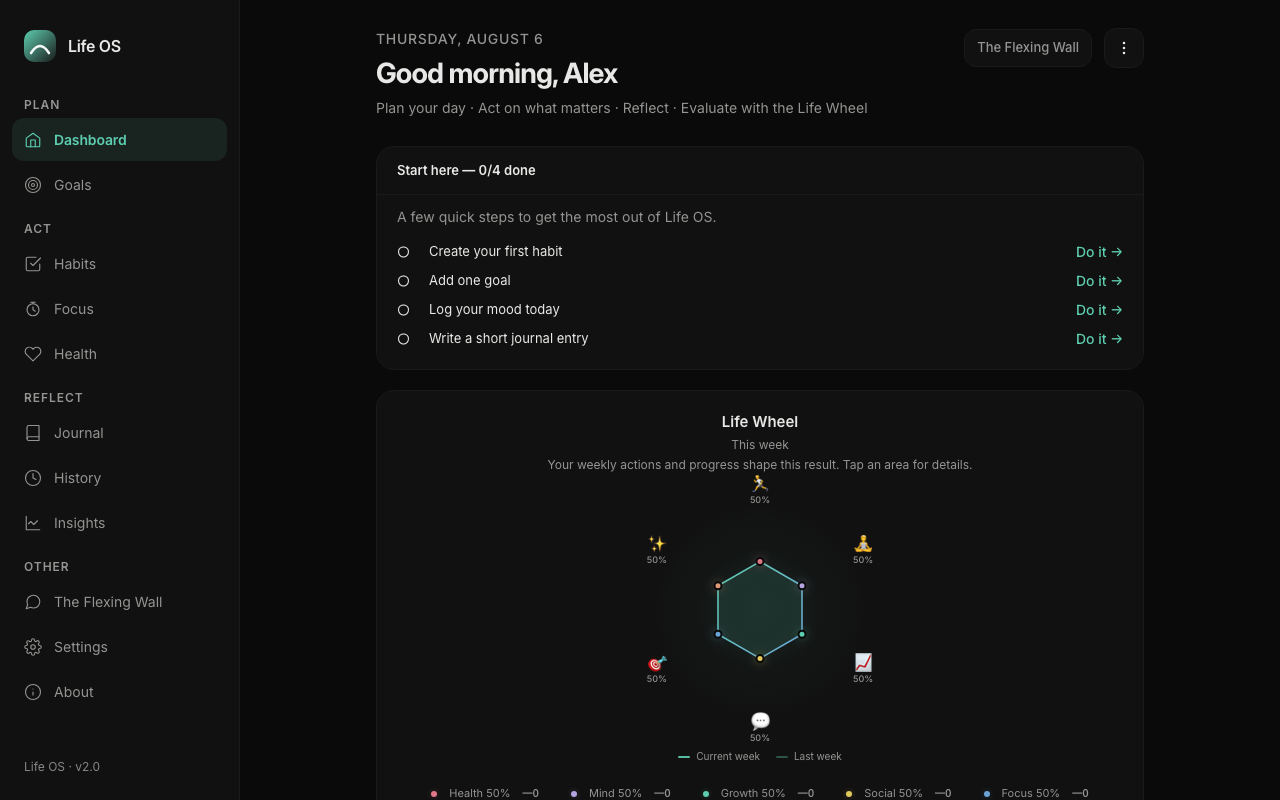
LifeOS helps users externalize mental load, clarify priorities, organize life domains, and build repeatable structures for daily life. Habits, goals, focus sessions, journal entries, health logging, a Today Plan, and weekly reflection live in one private, local-first app. It is not therapy, diagnosis, or crisis support. It is a structured self-management tool informed by psychological principles and short research insights with citations.
Workflow
How it works
- 1
Start with Today Plan
Name what matters today: a top priority, linked goals and habits, and a short intention note.
- 2
Externalize habits and goals
Track habits by life area and move goals with milestones instead of holding everything in working memory.
- 3
Protect focus and recovery
Run focus sessions, mark rest days, and treat recovery as part of functioning rather than an afterthought.
- 4
Reflect and adjust
Journal, log wellness signals, and use Weekly Review plus Insights to see what helped and what got in the way.
Features
Capabilities
Personal dashboard
A home base for domains, priorities, streaks, and the day ahead.
Habits and routines
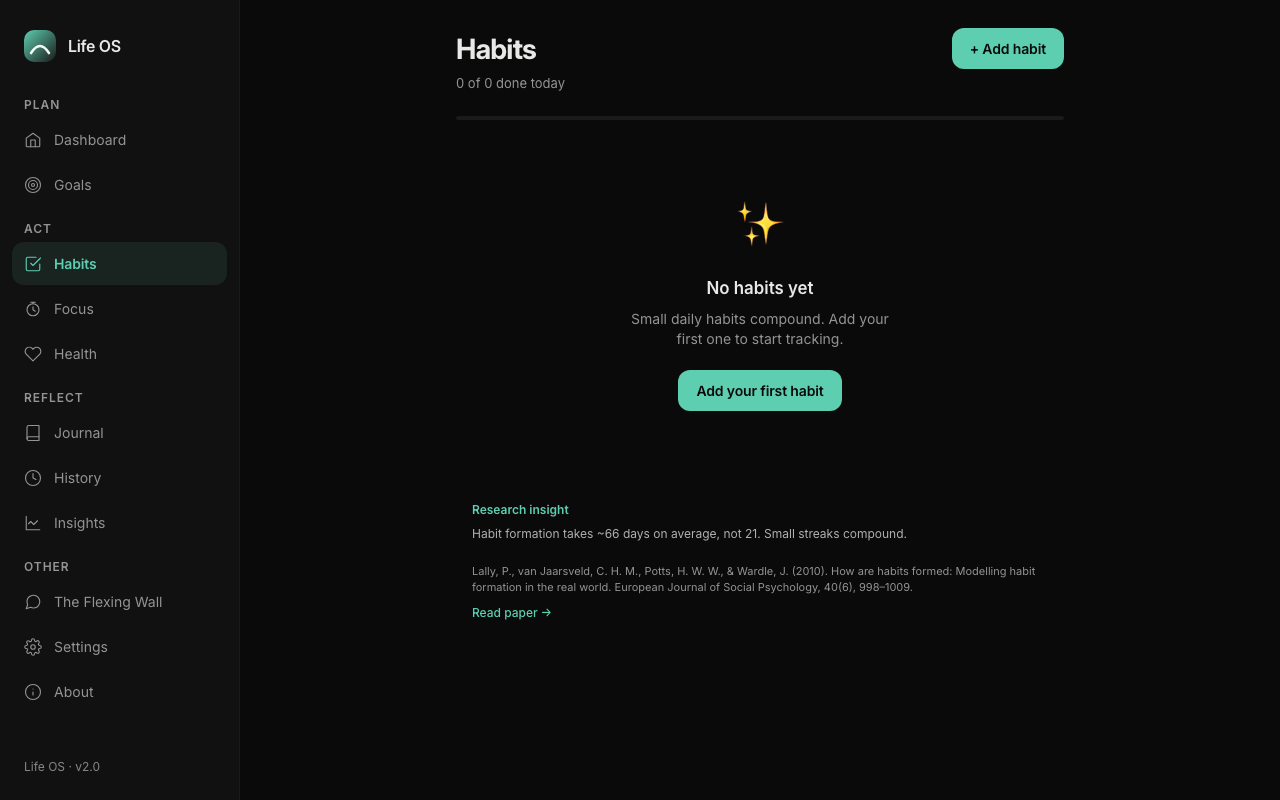
Daily and weekly habit tracking across health, mind, growth, social, and focus areas.
Goals with milestones
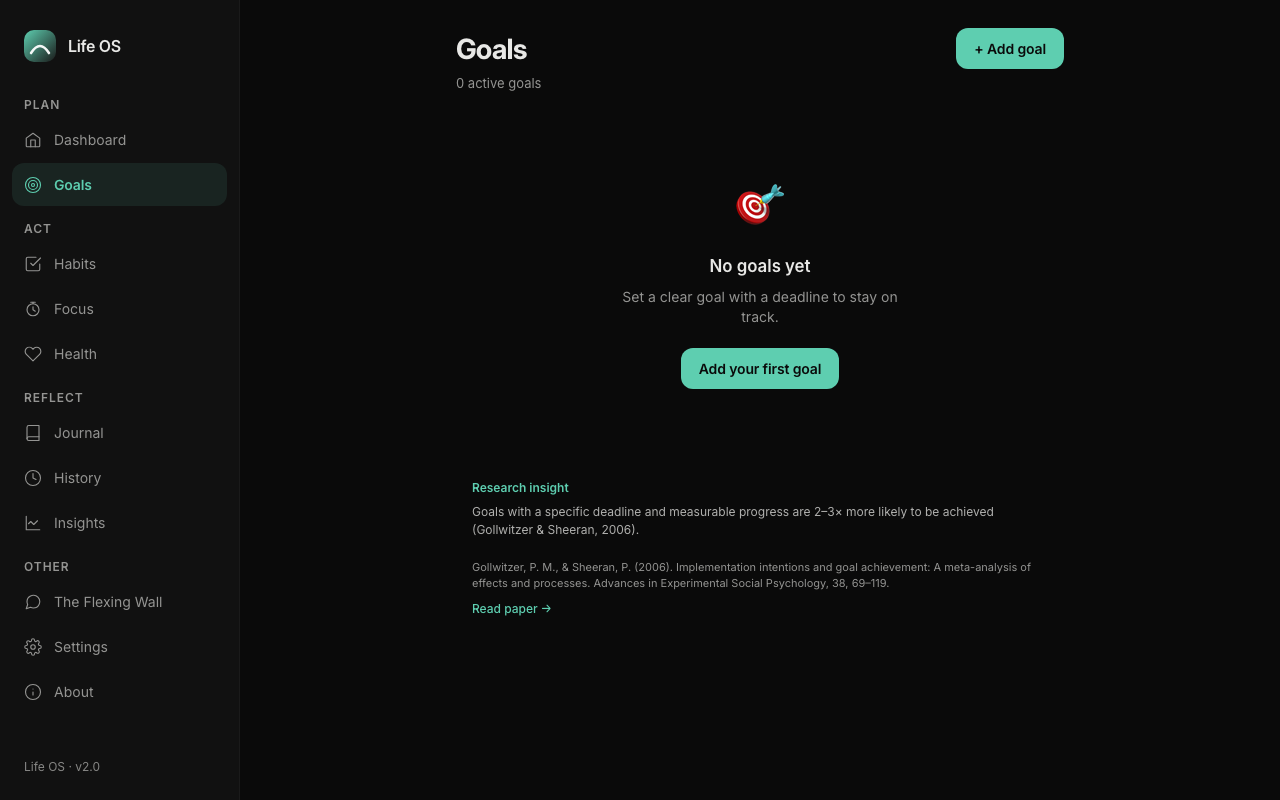
Progress tracking, deadlines, notes, and milestone markers without an infinite task list.
Focus sessions
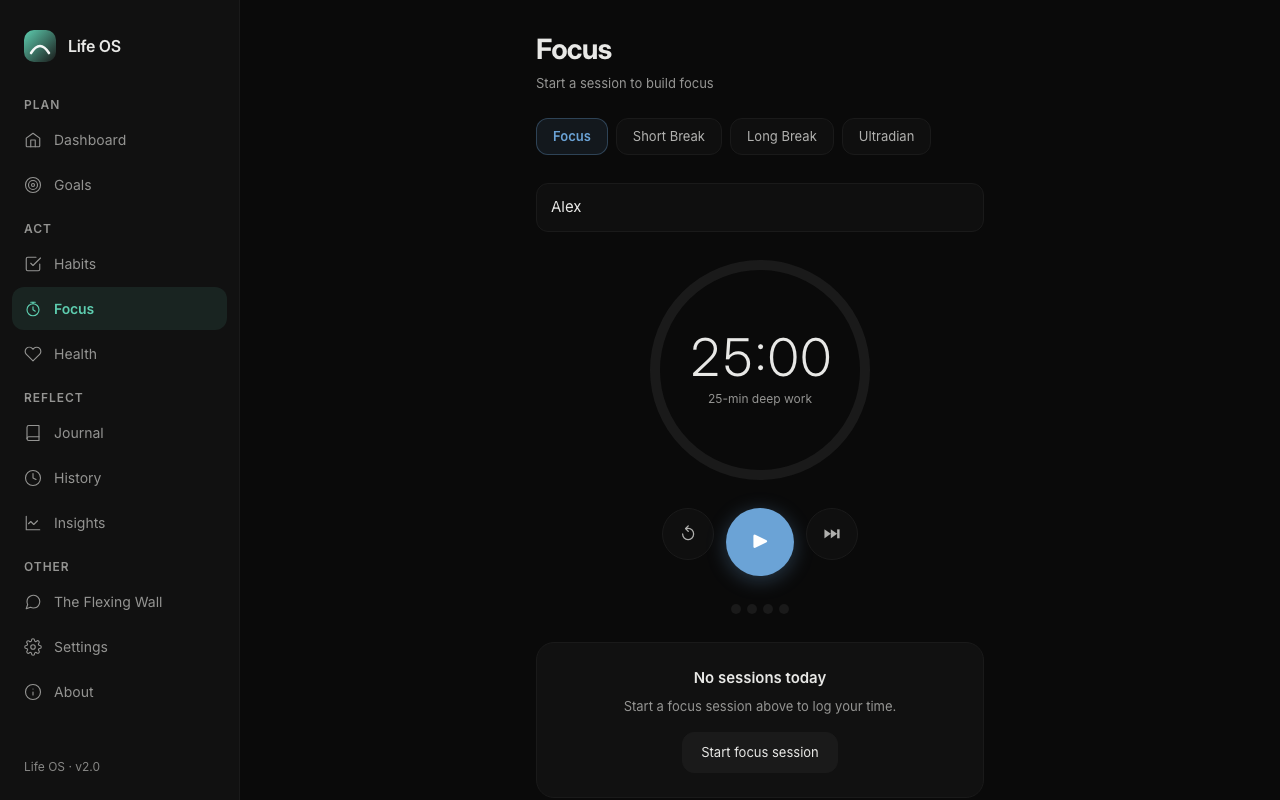
Pomodoro, short, long, and ultradian modes for protected work blocks.
Journaling and Weekly Review
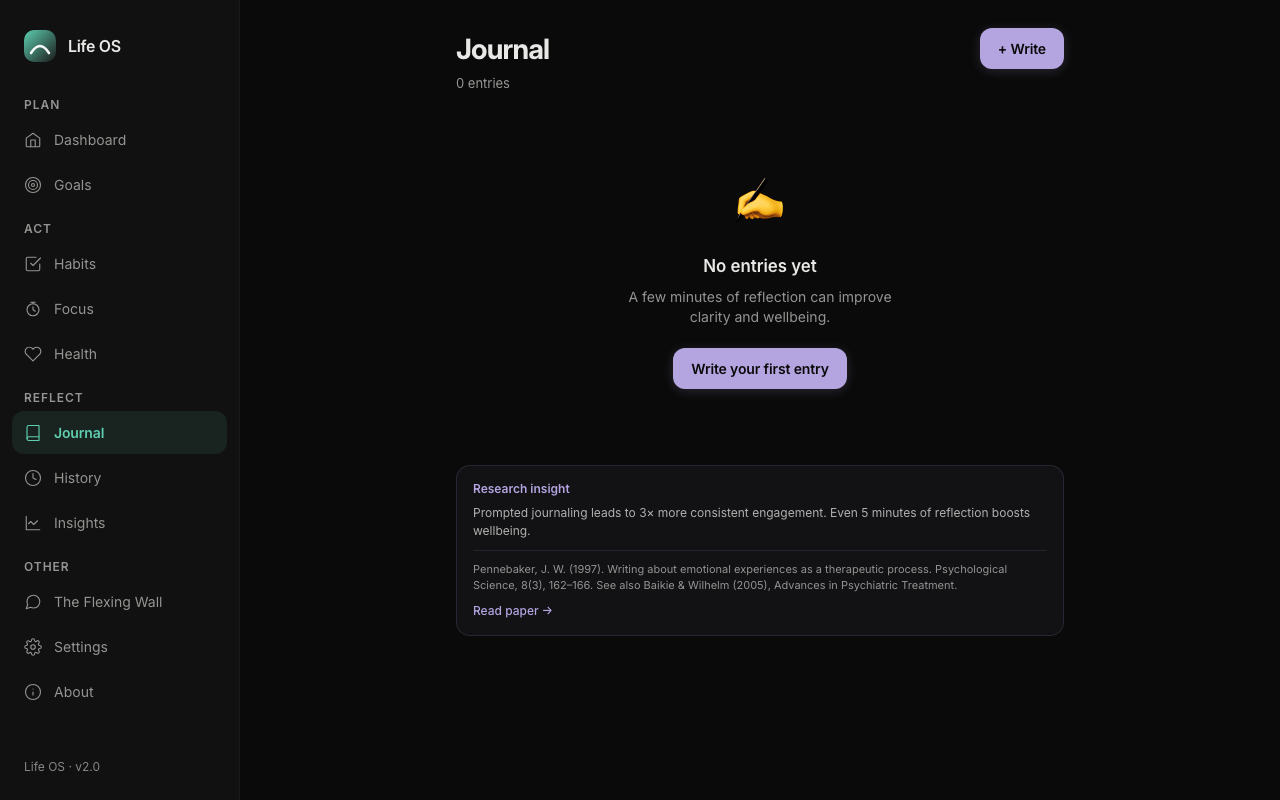
Capture mood, prompts, tags, and weekly reflection on what helped and what comes next.
Health and Insights
Log sleep, mood, energy, steps, and related signals. Review a life wheel and research-backed insights.
Local-first privacy
Core data stays in your browser. Export and import JSON backups. Optional social wall only when configured.
Roadmap
Where this is going
Shipped LifeOS core
Dashboard, habits, goals, focus, journal, health, Today Plan, Insights, rest, and backup are live for beta use.
EF-support refinement
Tighten flows around cognitive load, routine sustainability, and clearer daily scaffolding.
Broader access
Expand carefully once core executive functioning support loops stay solid across devices.
Screenshots
Interface
FAQ
Questions
- Is LifeOS therapy?
- No. LifeOS is not therapy, diagnosis, crisis support, or clinical treatment.
- Who is it for?
- Individuals who need executive functioning support, including students, professionals, clinicians-in-training, and people navigating ADHD-related organizational challenges.
- Where is my data stored?
- Core habits, goals, journal, health, focus, and settings data stay in your browser on your device. You can export a JSON backup. Optional social features use a separate backend only when configured.
- Can I try it now?
- Yes. Open LifeOS in your browser, or add it to your home screen for an app-like experience.
Open LifeOS
Launch the live app in a new tab. Product beta interest remains available if you want updates or a waitlist spot.